Best Solana Wallet in 2026
Best Wallet is a fast, secure crypto wallet app that makes it easy to manage Solana & SPL tokens and trade across multiple chains. Use it as your primary Solana wallet to store, send, receive, and track your balance with full self‑custody.
How to Get Started with Best Wallet
2. Create Your Solana Wallet
Choose a strong PIN and enable biometrics to secure your Best Wallet.
3. Start Using Web3 on Solana
Easily buy Solana, plus swap SOL and SPL tokens via our integrated features.
What is Solana?
Solana is a high-performance blockchain designed for scalable applications and fast, low-cost transactions. Its unique Proof of History (PoH) mechanism enables block finality in under a second with fees typically below $0.01.
Solana (SOL) powers a rich ecosystem
The Solana network powers thousands of projects, from DeFi protocols and NFT marketplaces to games, memecoins, and payments.
What are SPL tokens?
SPL tokens (Solana Program Library tokens) are Solana’s native token standard—similar to ERC‑20 on Ethereum—and are used for everything from DeFi assets to popular memecoins.
Why a Solana wallet?
A non‑custodial Solana wallet like Best Wallet lets you securely store, swap, and stake SOL and SPL tokens while connecting to Solana dApps, NFT markets, and DeFi protocols from one app.
Why Best Wallet is the Best Solana Wallet in 2026
Learn why Best Wallet is one of the most popular non‑custodial Solana wallets for storing, swapping, and staking SOL and SPL tokens.
Speed & Multi-Chain Access
Use our fast Solana wallet app for near‑instant transactions, simple cross‑chain swaps, and unified management of SOL, SPL tokens, and other major assets—all in one place.
Security & Cloud Backups
Protect your assets with non‑custodial, self‑custody security while staking SOL and SPL tokens for rewards, with private, encrypted access to Web3 from your mobile devices.
Access to Ecosystem Utility
Buy Solana with fiat, then swap and trade popular SPL tokens such as BONK, WIF, and PENGU, and connect your wallet to leading Solana dApps and DeFi protocols.
Solana Security and Self‑Custody
Best Wallet is a fully non‑custodial Solana wallet, so your private keys are generated and encrypted on your device—not on Best Wallet’s servers or a centralized exchange. Only you can access your tokens and approve transactions.
True ownership and total control:
No third‑party custody, lock‑ins, or freezing of funds. Every transfer and swap is initiated and confirmed by you. Your keys, your crypto—always.
Strong security and privacy
Protect your wallet with PIN and biometric authentication, plus personal encrypted cloud backups to restore your wallet on a new device if needed.
Clear and transparent actions
See full fee, route, and provider details before buying, sending, or swapping Solana, with checks that help flag suspicious or malicious token activity.
Best Wallet keeps you in control of your Solana: your keys, your crypto—secured with modern, layered protections.
Cross-Chain Swaps
Instant Multi-Chain Trades
Trade between Solana & other chains like Ethereum or Bitcoin in a few taps using Best Wallet’s cross‑chain routing—powered by Rubic. Convert SOL to assets like ETH or BNB while staying in a single, non‑custodial wallet.
Unified Portfolio
With support for major networks, Best Wallet lets you view and rebalance a multi‑chain portfolio from one interface, including Ethereum, Bitcoin, Solana, and more.
Buy SOL and SPL Tokens with Fiat
Fast, Flexible Purchase Options
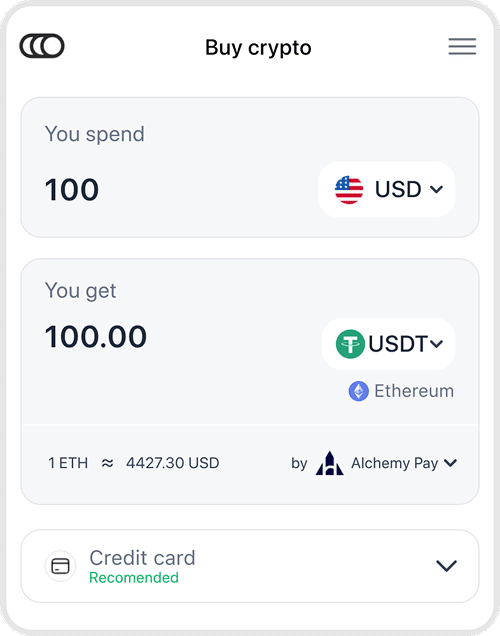
Buy Solana (SOL) directly in Best Wallet using Visa, Mastercard, Apple Pay, Google Pay, or bank transfer, depending on your region and provider. Powered by Onramper.
Instant Delivery
Once approved, tokens are delivered to your self‑custodial wallet in minutes—ready for swapping, holding, or use in dApps.
Privacy & Anonymity
No KYC Required
No KYC is required to create or use your non‑custodial Solana wallet in Best Wallet; however, some integrated providers (like when onramping) may require verification depending on your region and purchase amount.
Total Privacy
All transactions occur on-chain, and Best Wallet never stores user data or tracking logs. You own your assets and your privacy, and everything is truly self-custodial.
Easily Buy & Trade Solana


Connect to Solana dApps
Use Best Wallet to connect to hundreds of Solana dApps through WalletConnect or Best Wallet’s dApp page.
Trade on Solana DEXs
Trade on leading Solana DEXs such as Jupiter, Raydium, and Orca from the same wallet.
Swap Solana Tokens Cross-Chain
Swap your SOL and SPL tokens cross-chain, thanks to our provider Rubic.
Play Games and Join DeFi Launches
Play Solana‑based games and participate in DeFi launches, all while keeping control of your private keys.
Discover New Solana Projects Early
Best Wallet’s built‑in Solana launchpad helps you discover new projects before they list on major exchanges.
Early Token Access
Join selected Solana token launches directly from your wallet, getting early access to projects that have passed Best Wallet’s internal checks.
Vetted & Secure
Each supported launch is reviewed for factors like team, tokenomics, and smart‑contract security, with a focus on filtering out low‑quality or high‑risk projects.
Seamless Delivery
Tokens purchased through the launchpad are delivered straight to your self‑custodial wallet after the sale period ends, with a claim feature built directly in your wallet.
Best Wallet is designed for crypto traders and early adopters who want a convenient way to access high‑potential Solana tokens while keeping full control of their funds.
Get Started with a Solana Wallet in Minutes
Setting up the best Solana wallet only takes a few steps.
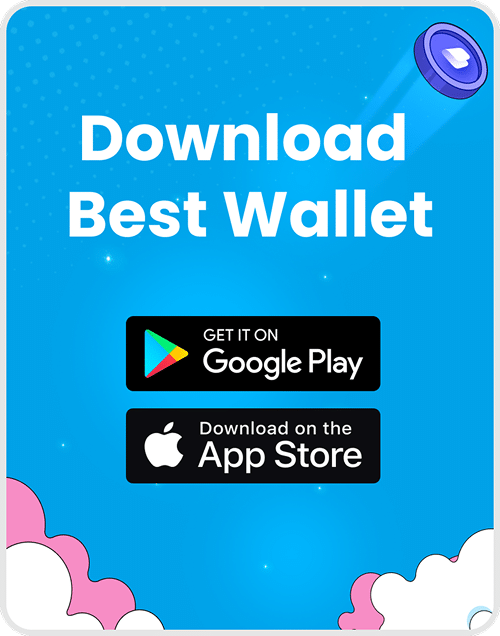
1. Download Best Wallet
- Get the free Solana wallet app for iOS or Android using the App Store or Google Play links.
- App links: App Store | Google Play
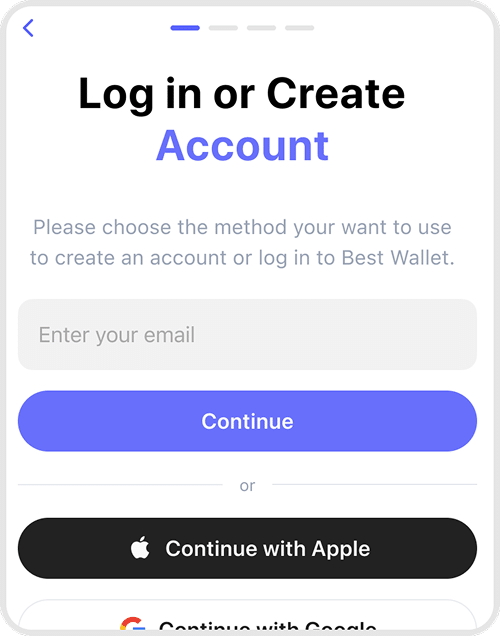
2. Set Up Security
- Create a PIN, enable biometrics or 2FA so only you can access your Solana wallet, then create a cloud backup once your wallet is set up.
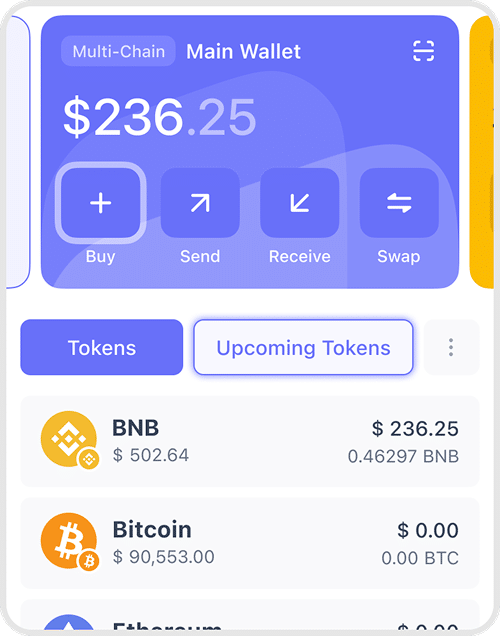
3. Add or Buy Tokens
- Transfer SOL or SPL tokens from another wallet, or purchase SOL directly with fiat inside Best Wallet—powered by Onramper.
4. Stake & Earn
- Choose a staking option, stake SOL or supported SPL assets through trusted platforms, and start earning rewards while keeping self‑custody.
5. Connect to dApps
- Use your Solana wallet to interact with dApps, NFTs, and DeFi protocols across the Solana ecosystem from one app.

Best Wallet adds no hidden fees—you only pay standard network and provider costs shown before you confirm each transaction.
Get Your Solana Wallet Now
Frequently Asked Questions
Best Wallet is designed as a beginner‑friendly Solana wallet app with a simple setup, built‑in swaps, and clear security controls, so new users can store, send, and stake SOL without complex interfaces.
Download the app on iOS or Android, create a new wallet, set a PIN, and back up your 12‑word recovery phrase; your Solana address is then ready to receive SOL and SPL tokens.
Yes—Best Wallet is fully non‑custodial, meaning your private keys are generated and encrypted on your device and never stored on Best Wallet servers or an exchange.
Security features like PIN and biometric access, optional 2FA, encrypted cloud backups, and clear transaction previews help you keep your SOL safe, but you’re responsible for protecting your device and recovery phrase.
You can stake SOL (and supported SPL tokens) by connecting Best Wallet to Solana staking platforms, delegating to validators while keeping self‑custody of your wallet.
Yes, you can hold SOL and SPL tokens, connect to NFT marketplaces like Tensor and Magic Eden, and use your wallet to mint or trade Solana NFTs.
Best Wallet works as a full mobile Solana wallet, letting you manage SOL, SPL tokens, swaps, staking, and dApps from your phone.
On‑chain actions like sending or swapping SOL incur standard Solana network fees, and fiat purchases or certain swap routes may include provider fees that are shown before you confirm.
Yes, you can buy SOL with cards, bank transfers, and supported payment methods through integrated providers, and the tokens are delivered directly to your self‑custodial wallet.
Open the dApp, choose WalletConnect or a supported connection option, and approve the request in Best Wallet to safely sign transactions and interact with DeFi, NFTs, and games.