Best ERC20 Wallet 2026
Best Wallet is a non-custodial ERC20 wallet for managing tokens securely and anonymously. Use Best Wallet to hold and swap ERC20 tokens privately in one streamlined app for iOS and Android.
What is an ERC20 Token?
ERC20 stands for Ethereum Request for Comments 20 – the token standard for Ethereum-based projects. Over a million ERC20 tokens exist, including LINK, SHIB, and UNI. Transactions require ETH for gas fees, and any ERC20 wallet must hold a small ETH balance to process transfers.
Key Features of ERC20 Tokens

Fast transactions
New blocks every 12–13 seconds keep transfers moving quickly.

Smart contracts
Programmable, trustless transfers and DeFi interactions for ERC20 tokens.
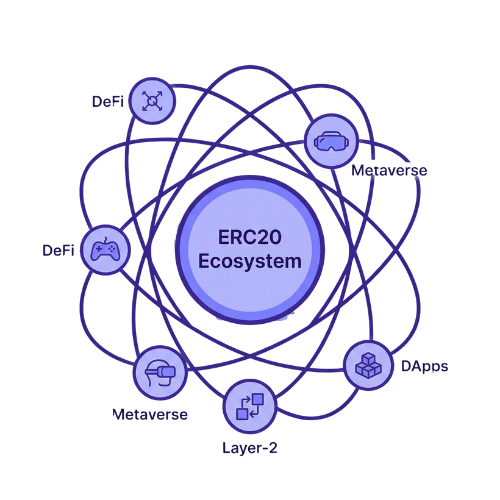
Rich dApp ecosystem
Huge range of DeFi, gaming, and metaverse projects built on ERC20.
Gas‑based fee model
ETH fees that rise and fall with Ethereum network usage.


Token discovery
Many ERC20 projects start in pre-launch sales or small listings before major exchanges.
Best Wallet brings these ERC20 features together in one secure app, so you can hold, swap, and explore new tokens without juggling multiple wallets.
How to Get Started with the Best ERC20 Wallet
1. Download Best Wallet
Get started with Best Wallet by installing the app directly on your device, which is available on both iOS and Android.
2. Create your ERC20 wallet
Set a secure PIN or biometrics, and your wallet will be created! Make sure to back up your wallet in-app.

3. Manage your ERC20 tokens
Receive ERC20 tokens to your address. You can also buy & swap thousands of ERC20 tokens in-app.
Why Best Wallet Is the Best ERC20 Wallet in 2026
Best Wallet provides a secure, user‑friendly home for diversified crypto portfolios. It supports ERC20 tokens alongside other networks such as Solana, Bitcoin, and BNB Smart Chain, while connecting to ERC20 dApps for seamless DeFi access.
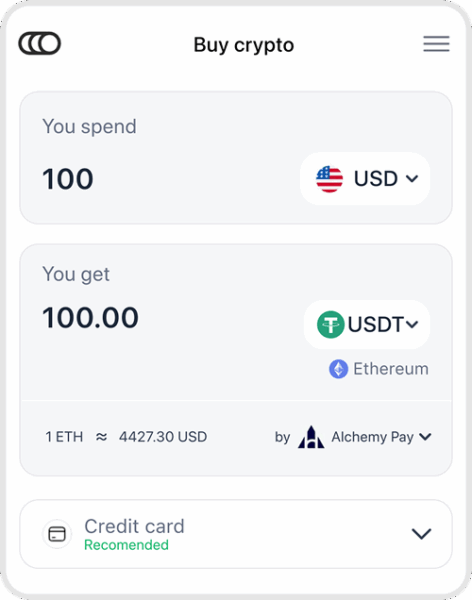
The Best Wallet mobile app for iOS and Android includes a built‑in swap tool for quick, anonymous token trading, even during high‑traffic periods. You can also buy ERC20 tokens with cards or convert positions to stablecoins directly in‑app.
Secure, Versatile portfolio
Safely store ERC20 tokens and move into DeFi, staking, and more in a few taps.

Bull-market-ready tools
Instantly get, swap, and manage ERC20 tokens as the 2026 crypto market action picks up.
Completely Secure ERC20 Storage
Institutional‑grade security features make Best Wallet a highly secure non‑custodial ERC20 wallet for 2026.
2FA Protection
Optional two‑factor authentication for extra account security

Non‑Custodial
Private keys and cloud backups stay under your control, not a third party’s.
PIN & Biometrics
PIN, fingerprint, or Face ID blocks unauthorised access to your wallet.
Private Swaps & Cross‑Chain Trading
Swap Ethereum and ERC20 tokens for other cryptocurrencies directly inside Best Wallet, without linking your identity. Powered by Rubic.
Best rates, fully decentralized
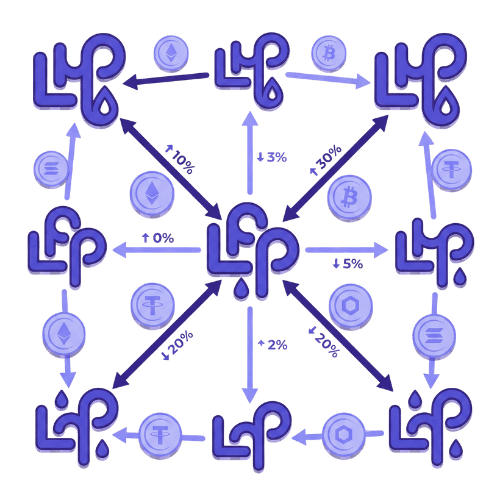
Connects to multiple liquidity sources to help you find competitive swap prices without a central exchange.
Any ERC20 token
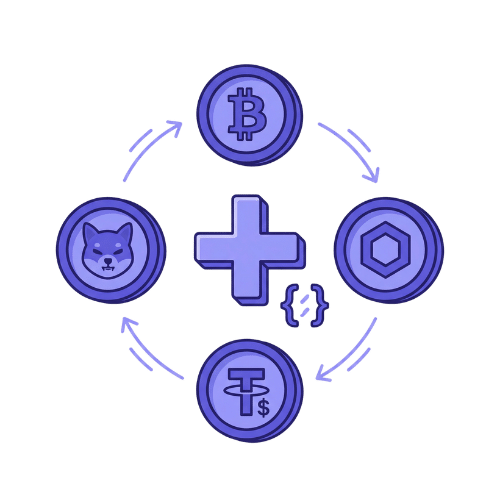
Swap WBTC, LINK, USDT, SHIB, or add new ERC20 tokens by pasting a contract address.
Instant, secure swaps
Confirm your trade, and the smart contract handles the swap—new tokens go straight to your wallet.
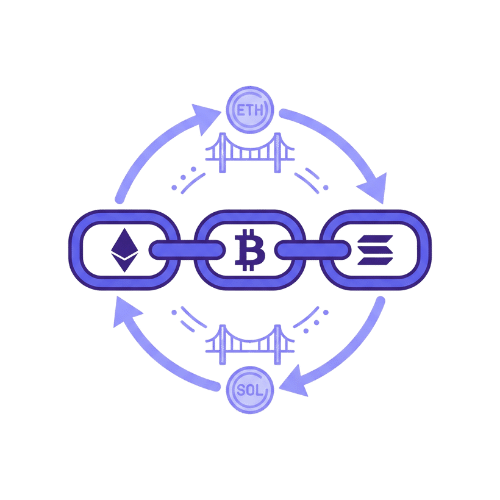
Cross‑chain swaps
Trade ERC20 tokens for assets on other chains like Bitcoin or Solana in-app, powered by Rubic.
Buy & Store ERC20 Tokens Safely
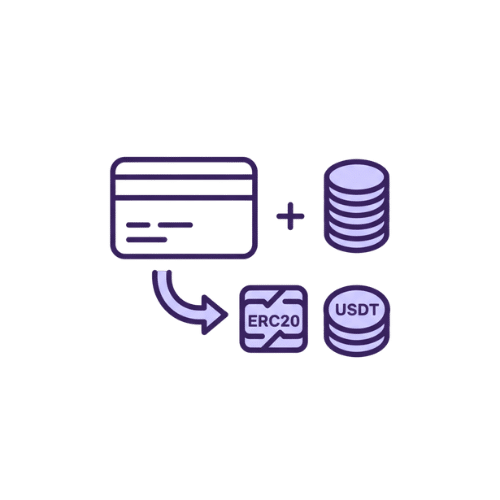
Buy ERC20 tokens with fiat currencies securely and privately using a card, PayPal, or Apple Pay, with assets arriving in minutes—powered by Onramper.
Stake & Earn Yields on ERC20 Tokens
Best Wallet’s staking dApp partners let you earn yield on ERC20 tokens without leaving the app.

Discover New ERC20 Tokens Early
With Best Wallet, you can use the crypto launchpad to discover and back new ERC20 tokens before they go mainstream.

Unlock Early Access
Best Wallet’s Ethereum launchpad lets you join vetted ERC20 token sales before they hit exchanges.

Quality Screening
Projects are checked for tokenomics, team background, and roadmap before listing.
Direct Buying Options
Purchase straight from your wallet and receive new tokens once the pre-launch sale period finishes.

Follow Launches
Best Wallet’s social team will help you track the token sale’s performance and key dates.
Best Ecosystem Token & Airdrops
Best Wallet’s native $BEST token enhances user rewards and access across the ecosystem.
Earn $BEST In-App
You can collect Best Wallet’s ecosystem token by using the app, exploring dApps, and joining selected campaigns.
Holder Perks
Holders may qualify for in‑app boosts, partner airdrops, and early access to new ERC20 projects as the ecosystem expands.
Trade $BEST
$BEST is now listed on exchanges like KuCoin and MEXC, so you can buy or swap it alongside your other ERC20 assets.
Simple Asset Management
Unified Portfolio View
Track ERC20 tokens alongside BTC, SOL, and other chains in your wallet dashboard.
Wallets and dApps in One Place
Connect to Ethereum dApps, monitor positions, and move funds without juggling multiple wallets.
Trusted & Loved by Users
High App Store Ratings
Best Wallet is highly rated on iOS and Android by users who value its security, speed, and look.
Growing Global Community
Tens of thousands of users manage ERC20 and multi‑chain portfolios through Best Wallet, with new wallets created every day.
How To Buy ERC20 Tokens with Best Wallet
1. Download and set up Best Wallet
- Install the app on iOS or Android, create your wallet, and create a backup.
- If you’re new to wallets, see our guide on how to get a crypto wallet.
- App links: App Store | Google Play
2. Add funds to your wallet
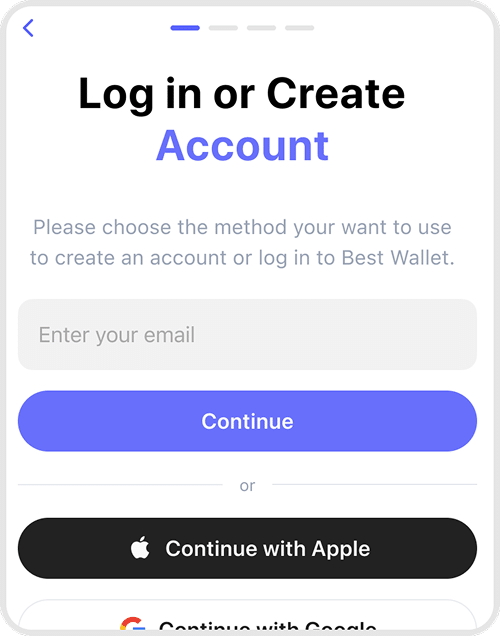
- Deposit crypto like ETH or buy with card, PayPal, or Apple Pay through integrated payment partners via Onramper.
3. Choose your ERC20 token
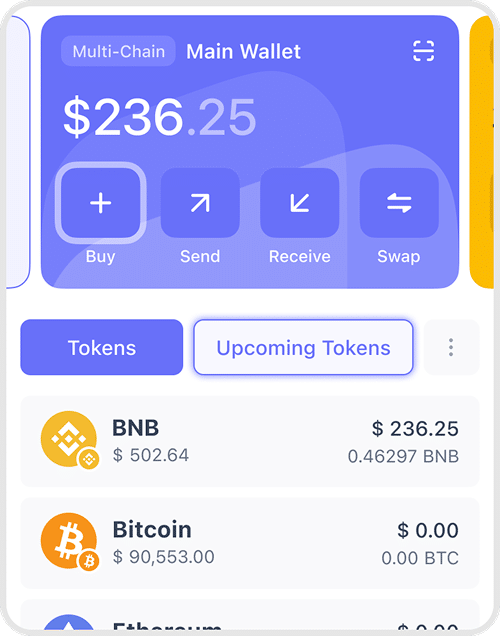
- Search for tokens like USDT, LINK, or SHIB, or paste a contract address to add a new ERC20 asset.
4. Review and confirm your trade
- Check price, fees, and slippage, then confirm the swap—new tokens arrive in your wallet within seconds.
Best Wallet adds no hidden fees—you only pay standard network and provider costs shown before you confirm each transaction.
Get Your ERC20 Wallet Now


Frequently Asked Questions
Find answers to the most frequently asked questions about using an ERC20 Wallet, right here.
An ERC20 wallet is a crypto wallet that supports tokens built on the Ethereum ERC20 standard, letting you send, receive, and store assets like USDT, LINK, or SHIB alongside ETH.
Yes. ERC20 tokens use the same address format as Ethereum, so your Ethereum wallet address (starting with “0x…”) is also your ERC20 address.
Best Wallet supports millions of ERC20 tokens plus other networks like Bitcoin, Solana, and BNB Smart Chain, so you can manage a multi‑chain portfolio in one app.
Search for the token by name or paste its contract address, then add it to your wallet so you can track balances and make transfers.
Best Wallet is non‑custodial, encrypts your private keys locally, offers cloud backups, PIN, biometrics, and optional 2FA, so only you control access to your ERC20 funds.
Yes. You can swap Ethereum and ERC20 tokens for other crypto or fiat inside the app using integrated DEX and liquidity sources, with trades handled by smart contracts.
No. Best Wallet works as a no‑KYC crypto wallet, so you can receive, store, and swap ERC20 tokens without uploading ID, while fiat on‑ramps may have their own regional checks.